Everything MyScrive can do
A writing copilot built around how people actually write at work — multi-model, multilingual, native to Gmail, and quick to customize.
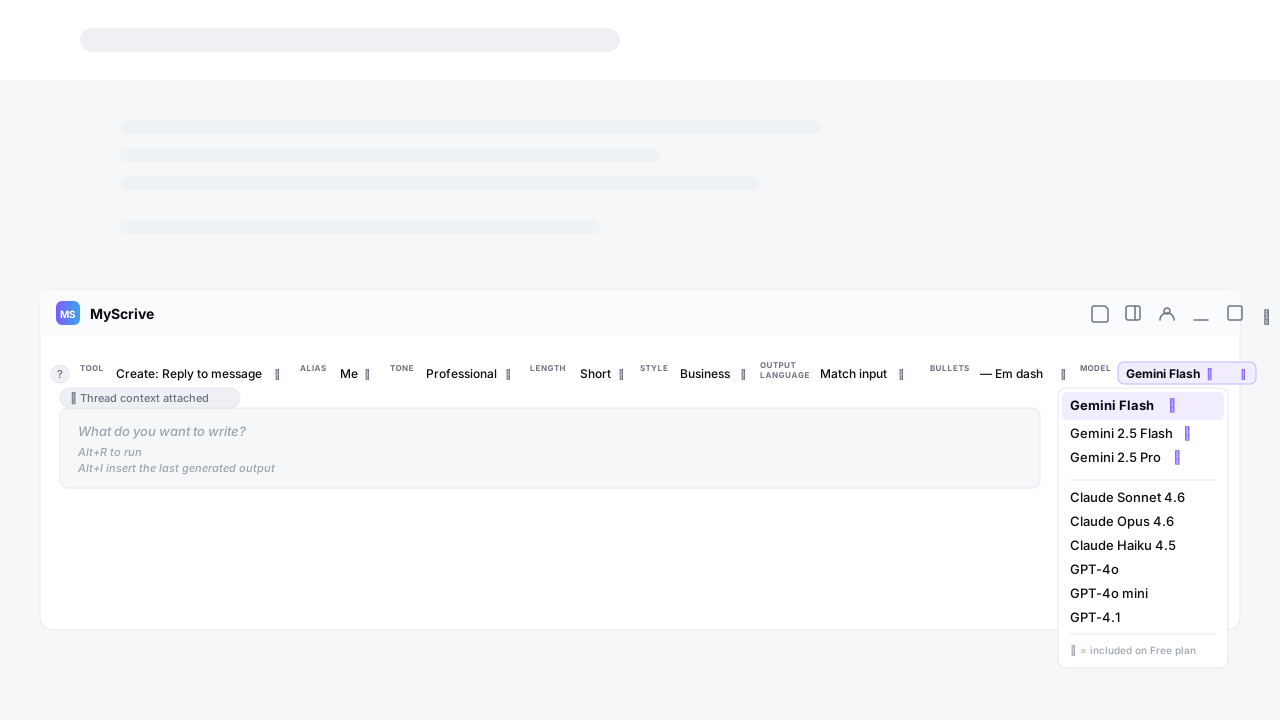
Pick the right brain for the job
Most AI extensions lock you into one model. MyScrive lets you switch per generation: Claude for nuanced reasoning, GPT for analysis, Gemini for fast drafting and grounded summaries.
Different models excel at different tasks. A polite decline reads better in Claude. A structured outline lands cleaner in GPT. Fast drafting and grounded summaries are Gemini's strength. With one click in the chip row, you choose.
On the Free plan, you get Gemini Flash. Upgrade to Pro to unlock Claude, GPT, and Gemini 2.5 Pro — plus 1,000 generations a day.
Reply inside Gmail, not in another tab
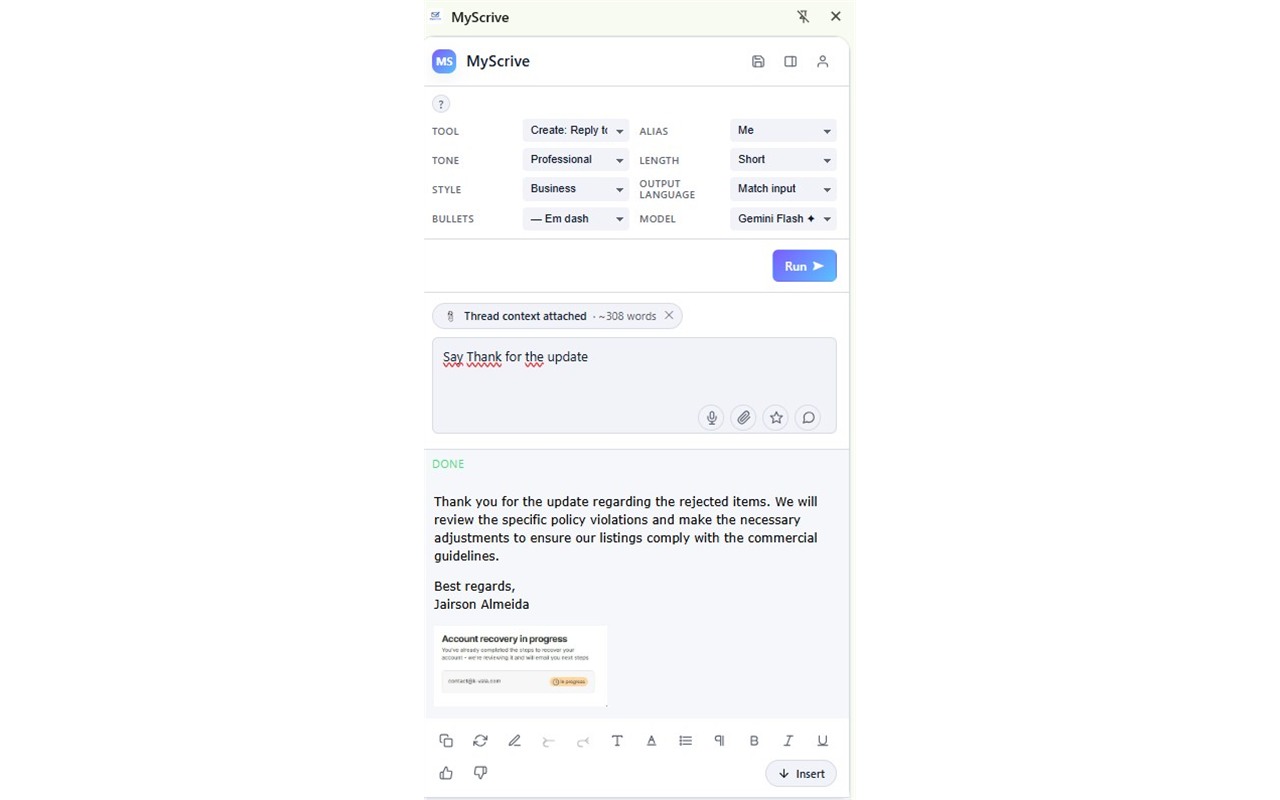
MyScrive injects a writing pill directly into Gmail's compose toolbar. Click it, and MyScrive reads the thread you're replying to — automatically, no copy/paste — and drafts a reply in your selected tone, length, and voice.
When you accept the draft, it lands in the compose box with full formatting preserved: bullet lists as real
- /
- , italics as , your signature image carried through. No more “why did the bullets break” moments.
Works only when you click — never reads your inbox passively, never sends a single byte of email content unless you trigger it.
Write in your language, send in theirs
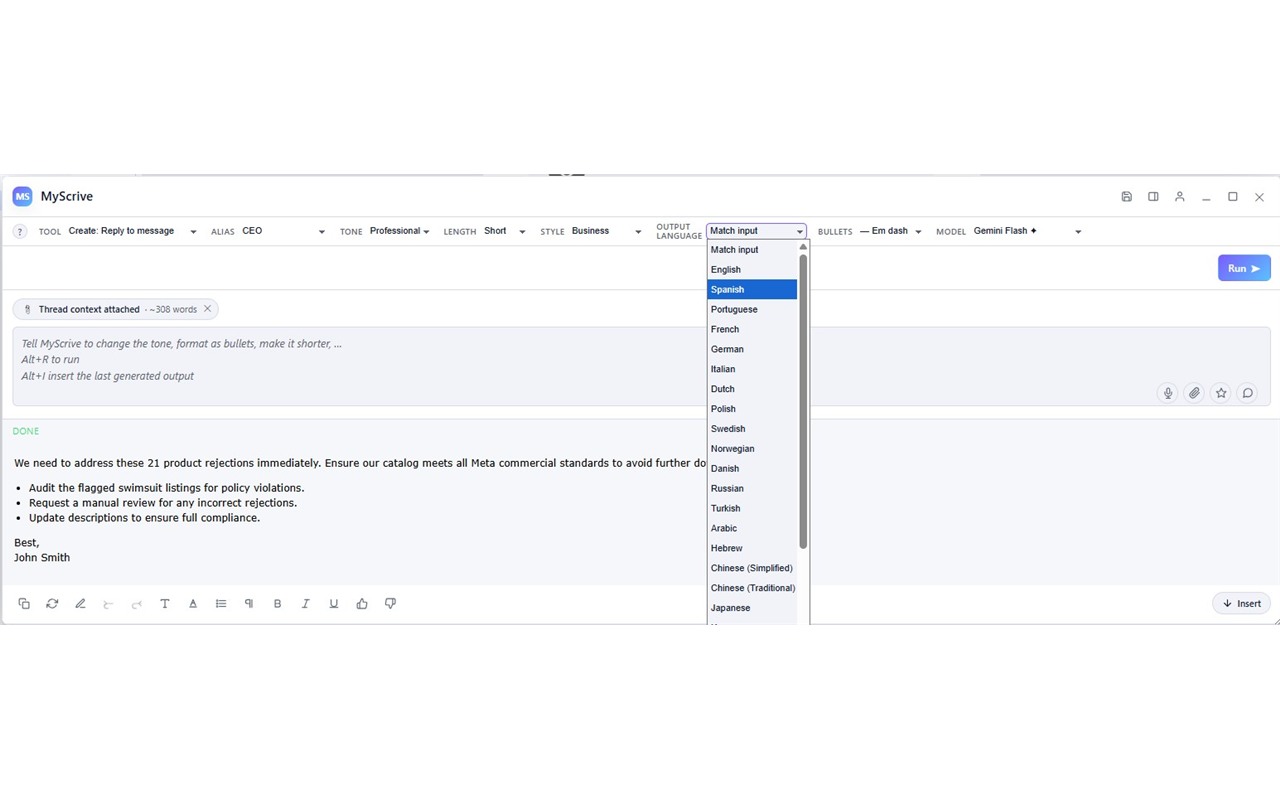
If English isn't your native language (or your recipient's isn't), this is the feature you didn't know you needed.
Type your prompt in Portuguese, Spanish, French, or any of 25+ languages MyScrive understands — set the output language to whatever your recipient speaks — and MyScrive handles the translation automatically. The output always honors your language choice, regardless of input.
It even works on saved templates. Save a “polite decline” in English once; apply it with output language set to French; get a properly translated French decline. No app switching, no Google Translate detours.
Two kinds of templates, both saving you time
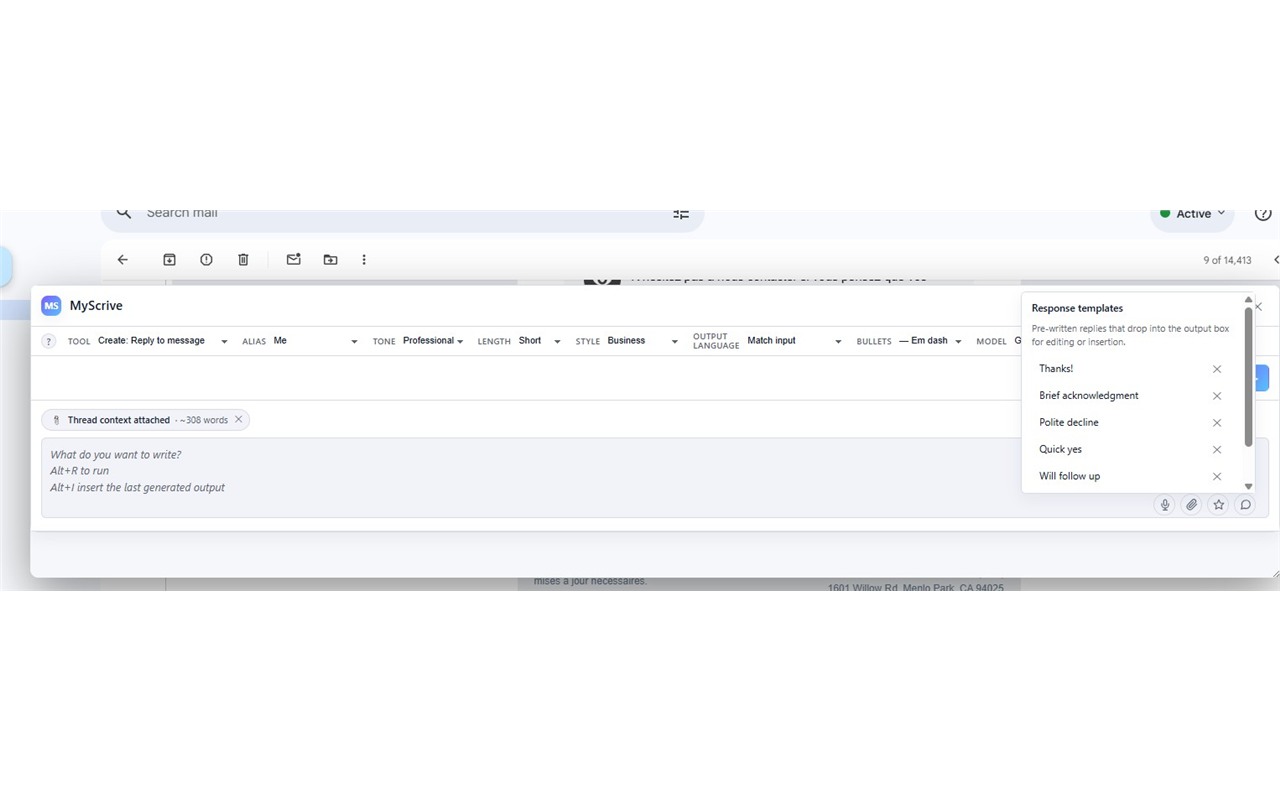
Prompt templates are reusable instructions you give MyScrive: “rewrite this as a follow-up email after a product demo,” “summarize this in 3 bullets for a status update,” “turn this into a polite refusal.” Save them once, click to apply.
Response templates are canned replies you send often: a polite decline, a thank-you, a meeting confirmation. Save the body once, paste with one click into your compose. With cross-language writing turned on, MyScrive translates the template into your recipient's language on the fly.
If you write the same kind of message dozens of times a week, this single feature pays for the Pro plan in saved time.
Switch writing personas with one click
An alias is a saved persona — a description of who you are, how you sound, what you care about. “Me at work” might be Professional + concise + business style. “Me with friends” might be Casual + warm. “CEO ghostwriting” might be Confident + persuasive.
Each alias carries its own signature (text + optional image). Switching alias is one click in the chip row — your tone, voice, and sign-off all change together.
Free users get one alias. Pro and Team users get unlimited aliases plus shared aliases for team accounts.
Speak when typing slows you down
Click the microphone in the input row and speak your prompt. MyScrive transcribes in real time using your browser's built-in Web Speech API — your voice never goes to a MyScrive server.
Useful when you're mid-thought and don't want to slow down to type, or when you're drafting on the move and your hands are busy.
Pro and Team only. Browser support: Chrome, Edge, and other Chromium browsers.
Output that survives the paste into Gmail
Most AI tools spit out plain text or markdown. Then you paste into Gmail and the bullets break, the bold disappears, your structure is gone.
MyScrive's output is rendered as real HTML:
- /
- for lists, for italics, inline styles for fonts and colors,
for signature images. When you click Insert, it lands in Gmail compose looking exactly like the preview — bullets intact, signature image displayed.
Customize bullet style (•, —, →, numbered), font family, size, color, line height, and paragraph spacing. Set once, applies to every output.
Your prompts never sit on our servers
When you click Run, your prompt travels through our backend to the AI provider you chose, then back. It is not logged, not stored, not used to train models, and not retained for analytics.
API tokens for the Chrome extension are stored as SHA-256 hashes — even if our database leaked, your token couldn't be used to authenticate. The raw token lives only in your browser's extension storage.
We don't track which sites you visit, which selections you make, or which generations succeed. We count usage as a number per day, nothing more.
Ready to try MyScrive?
Free forever for 20 generations a day. No credit card required.